Truxton Extreme Gamepad Controls
DualSense, Xbox, Switch Pro, and PC controller layouts.
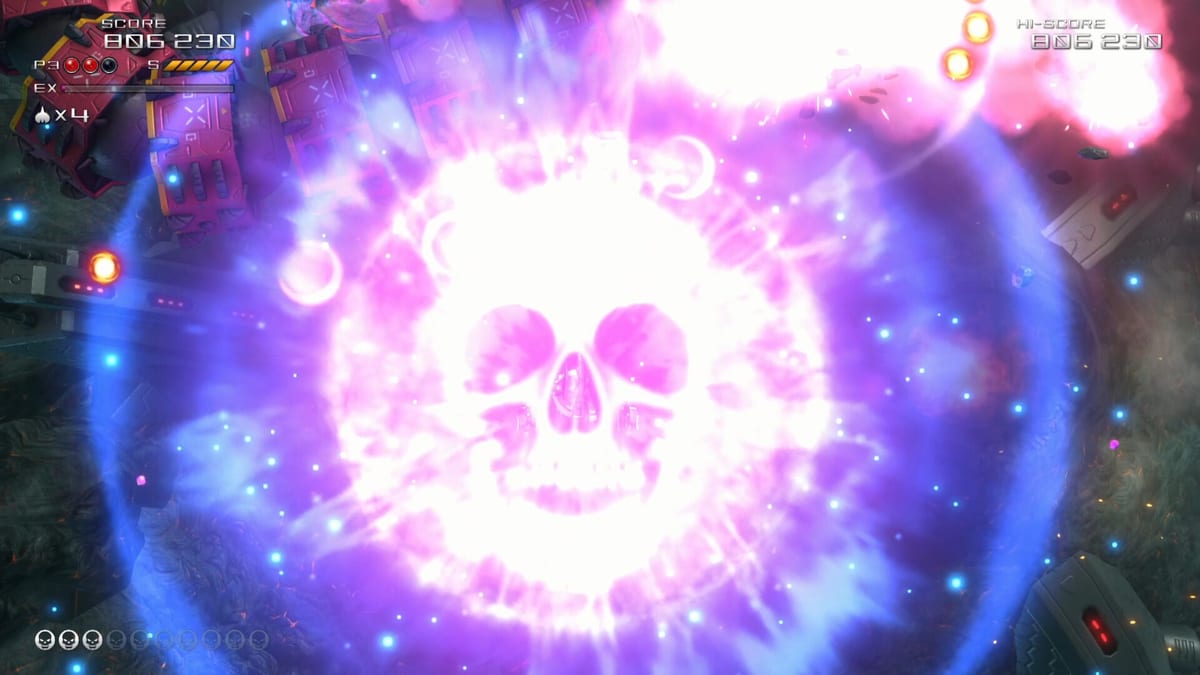
Gamepad-first platforms
PlayStation 5, Xbox Series X|S, and Nintendo Switch 2 versions of Truxton Extreme assume a standard gamepad layout for movement, shot, bomb, EX, and manual speed boost. PC players on Steam and GOG can use the same controllers via XInput or platform drivers. Because shmup muscle memory is fragile, this page describes typical genre mappings and what to verify in Options — not a replacement for your in-game diagram.
Reviews on Switch 2 praise responsive controls during Arena sessions, which implies stick deadzones and autofire defaults are tuned for casual sofas and score chasers alike.
Movement: stick versus D-pad
Left analog stick provides smooth diagonal movement for grazing and pickup steering. D-pad offers digital precision some veterans prefer for tap-tap corrections. Truxton Extreme benefits from both: sticks for general play, D-pad optional if the game exposes it in Options.
Right stick is usually unused in vertical shmups unless mapped for menu navigation. Avoid accidental stick drift deaths by calibrating controllers in system settings before ranked attempts.
Face buttons: shot, bomb, EX
Genre conventions often map as follows on Xbox-labeled layouts:
- A / Cross / B (Nintendo) — primary shot
- B / Circle / A — bomb
- X / Square / Y — EX Shot
- Y / Triangle / X — speed boost hold or toggle
PlayStation and Nintendo glyph names differ, but the idea holds: shot on the easiest face button, bomb on a adjacent button, EX on a less accidental face, boost on a button your thumb reaches without claw grip.
Confirm your exact layout in Options. Nintendo Switch 2 Joy-Con sideways grip may feel cramped — Pro Controller recommended for co-op.
Shoulder buttons and triggers
Some players remap shot to R2 or RT for hold comfort, freeing face buttons for bombs and EX. Shoulder bumpers work well for boost toggles if face buttons overcrowd.
If autofire is enabled, moving shot to a shoulder button matters less. Autofire plus stick movement mirrors arcade stick play without microswitch hardware.
Autofire on consoles
Enable autofire in Options when available. Nintendo Life and Creative Bloq both mention approachable difficulty options; autofire lowers the entry barrier for newcomers without removing pattern learning.
Autofire does not replace positioning skill — you still dodge, collect color pickups, and manage EX timing per how to play.
Speed boost ergonomics
Manual speed boost separates Truxton Extreme from bullet-hell titles with fixed ship velocity. Map boost to a button you can pulse quickly — often a shoulder or face button opposite shot.
Toggle versus hold is personal: toggles help players with grip fatigue; holds prevent forgetting boost is active. Test both in Heart Starter before Arcade commitments.
Platform-specific notes
PlayStation 5 — DualSense adaptive triggers are not central to gameplay; standard mappings suffice. Local co-op requires two DualSense or compatible pads paired before Team mode.
Xbox Series — Xbox Wireless Controller follows XInput defaults PC shares. Quick Resume may suspend mid-run; pause before swapping profiles.
Nintendo Switch 2 — Handheld play shrinks bullet readability. Docked mode plus Pro Controller improves co-op fairness. Thunder Master physical edition includes full game cart — see editions.
PC with controller — Steam Input may overlay Xbox, PlayStation, or Switch glyphs. Disable conflicting keyboard layers if both devices are connected.
Player two in Team mode
Connect the second controller before entering Team from the main menu. Player two usually joins with a start or options prompt on the title or mode select screen — exact prompt text varies by platform.
Shared lives mean Player two should not treat bombs as solo resources. Coordinate EX activations so both ships benefit from item showers described in scoring.
Remapping and accessibility
Console Options menus typically allow remapping within platform guidelines. Swap bomb and EX if your thumb radius favors one side. Increase stick deadzone slightly if drift causes micro-movement during calm patterns.
For players unable to hold multiple buttons, enable autofire and toggle boost to reduce simultaneous holds.
Arcade stick and fightstick users
Fightsticks with eight-way gates mirror arcade heritage Truxton celebrates. USB sticks on PS5 and PC often map like D-pad inputs. Test bomb and EX on top row buttons for quick access during boss phases.
Common controller mistakes
Leaving boost toggled on during precision patterns. Binding bomb too close to jump-style muscle memory buttons used in other genres. Playing handheld with drift-prone Joy-Con during ranked grinds. Forgetting to charge Pro Controller before long Story episodes — walkthrough pacing can exceed two hours per sitting.
Switch to keyboard?
PC players sometimes switch devices per mode. Gamepad analog movement helps Story marathon; keyboard digital taps help Arena retries. Compare keyboard page if hybrid play interests you.
Next steps
Run Tutorial with your chosen controller, confirm autofire and boost settings, then follow mode unlock path. Adjust bindings only after one full stage so you change data-informed, not reactionary.
Frequently Asked Questions
Quick answers to the most common questions.
Which stick moves the ship?
The left analog stick typically moves the Javelion fighter. Some players prefer D-pad digital input if Options allow it.
Where is EX Shot on a gamepad?
EX is usually mapped to a face button separate from shot and bomb. Verify in Options — layouts differ by platform.
Should I use autofire on console?
Autofire reduces hold-to-fire fatigue and helps newcomers. Enable it in Options if you prefer continuous fire.
How does local co-op assign player two?
Connect a second controller before Team mode. Player two joins via the platform's standard sign-in prompt.
Are fightsticks supported?
Many USB arcade sticks work on PC and PS5 as digital inputs. Test bomb and EX bindings during Tutorial.